
no matching host key type found. Their offer: ssh-rsa 问题解决
最近升级了Mac OS Ventura 13.0.1后发现ssh指定密钥登录服务器失败。
no matching host key type found. Their offer: ssh-rsa
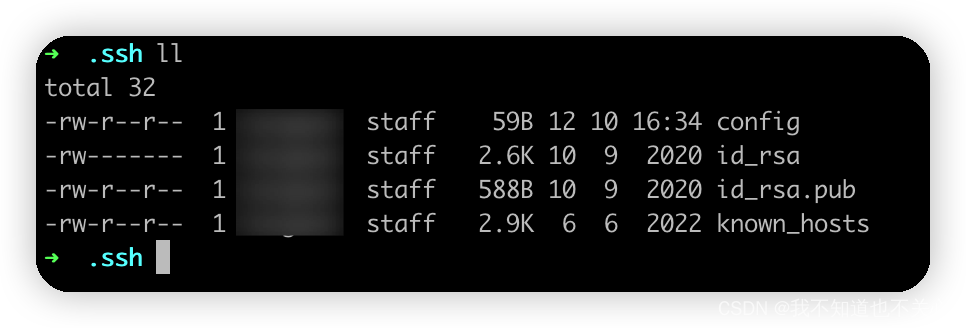
进入当前用户的.ssh目录发现比之前系统多了一个config文件
查看sshd版本,发现升级了,需要指定算法参数
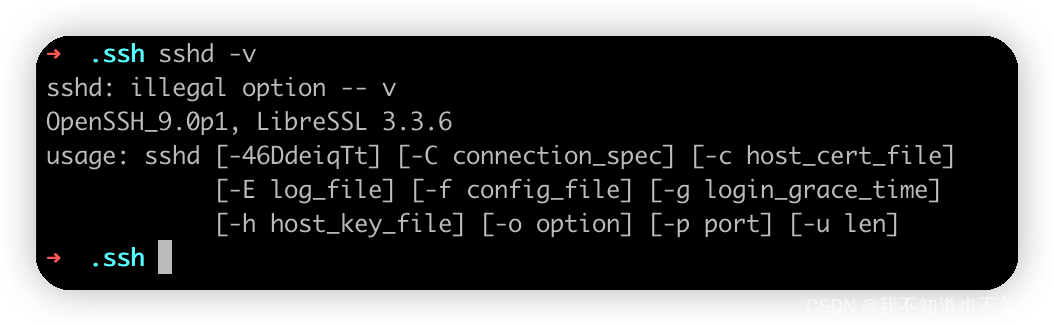
解决办法:
方法1. ssh命令指定算法,每次指定比较麻烦
ssh -o HostKeyAlgorithms=+ssh-rsa -o PubkeyAcceptedKeyTypes=+ssh-rsa user@host -p 2222
方法2. 修改ssh配置文件 ~/.ssh/config, 增加配置项,一劳永逸
HostKeyAlgorithms +ssh-rsa
PubkeyAcceptedKeyTypes +ssh-rsa
上面配置默认对所有连接的服务器生效,也可以通过制定服务器使部分服务器生效
Host 172.16.x.x
HostName k8s-node001
User root
Port 22
HostKeyAlgorithms +ssh-rsa
PubkeyAcceptedKeyTypes +ssh-rsa
为什么会有这个错误
Future deprecation notice It is now possible[1] to perform chosen-prefix attacks against the SHA-1 algorithm for less than USD$50K.
In the SSH protocol, the “ssh-rsa” signature scheme uses the SHA-1 hash algorithm in conjunction with the RSA public key algorithm. OpenSSH will disable this signature scheme by default in the near future.
Note that the deactivation of “ssh-rsa” signatures does not necessarily require cessation of use for RSA keys. In the SSH protocol, keys may be capable of signing using multiple algorithms. In particular, “ssh-rsa” keys are capable of signing using “rsa-sha2-256” (RSA/SHA256), “rsa-sha2-512” (RSA/SHA512) and “ssh-rsa” (RSA/SHA1). Only the last of these is being turned off by default.
也就是说 >=8.8p1 版的 openssh 的 ssh 客户端默认禁用了 ssh-rsa 算法, 但是服务器端未升级只支持 ssh-rsa, 当你不能自己升级远程服务器的 openssh 版本或修改配置让它使用更安全的算法时, 在本地 ssh 针对这些旧的ssh server重新启用 ssh-rsa 也是一种权宜之法.


