
页面开发感想
页面开发
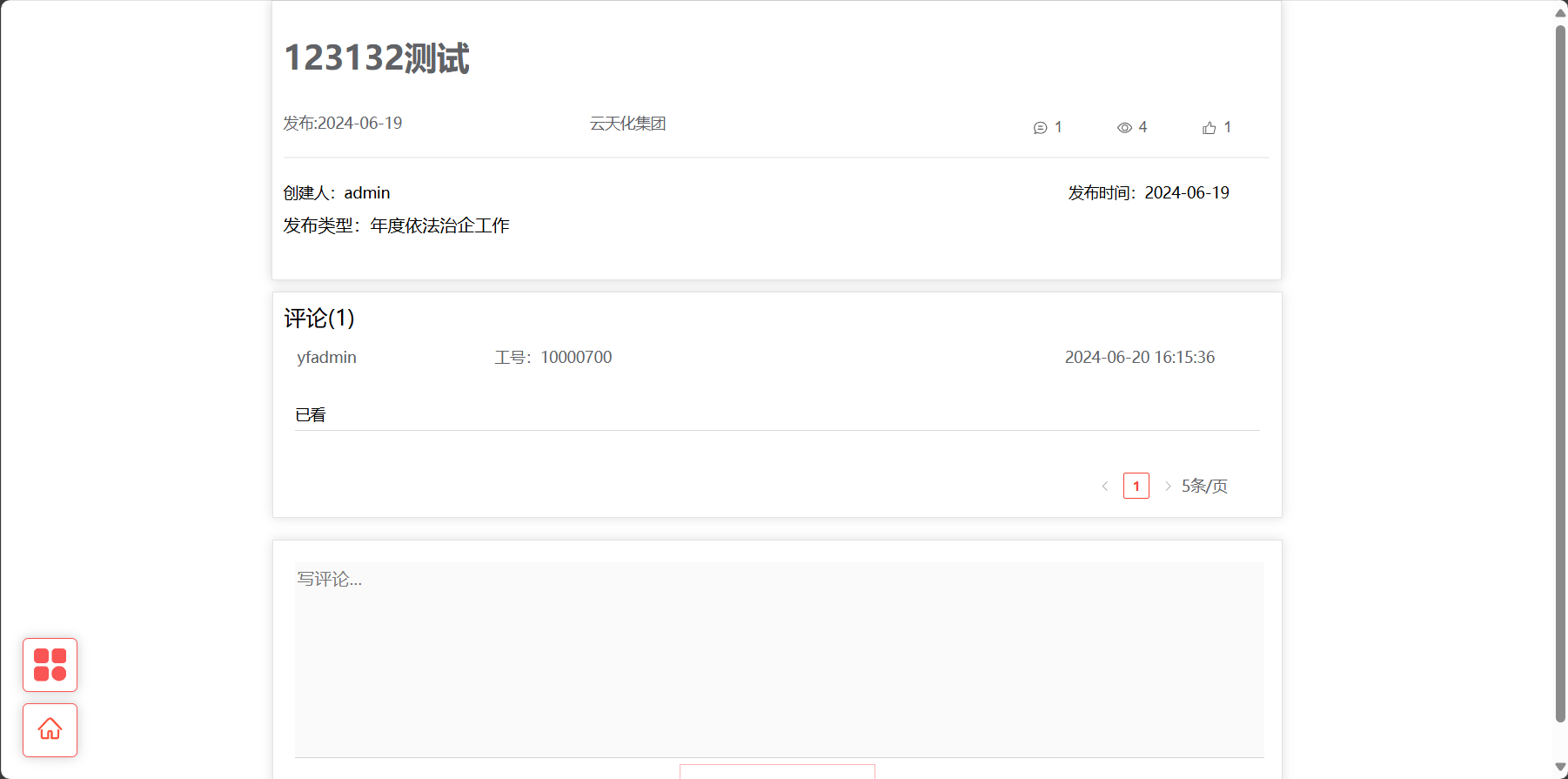
1、 前端预览


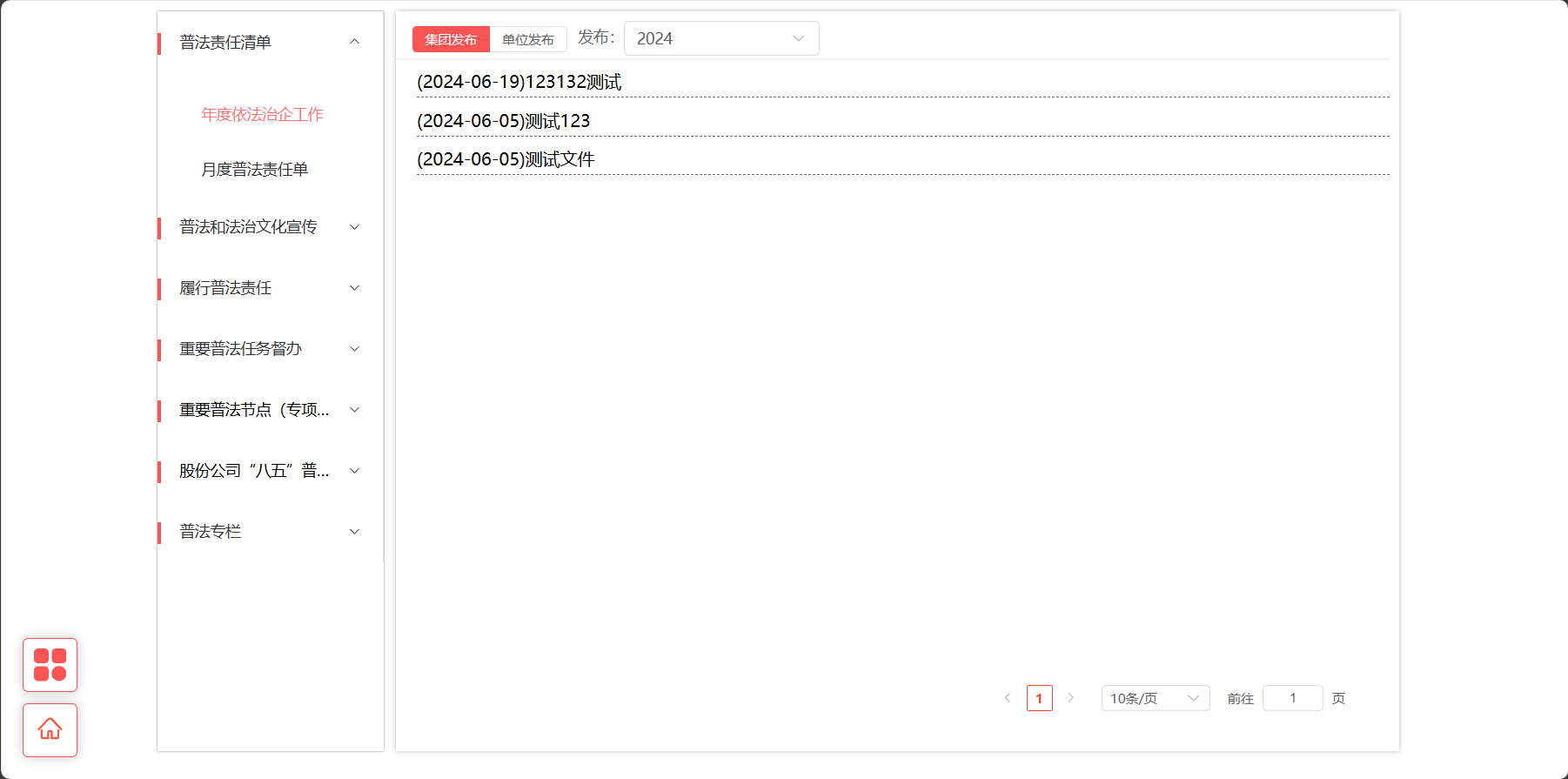
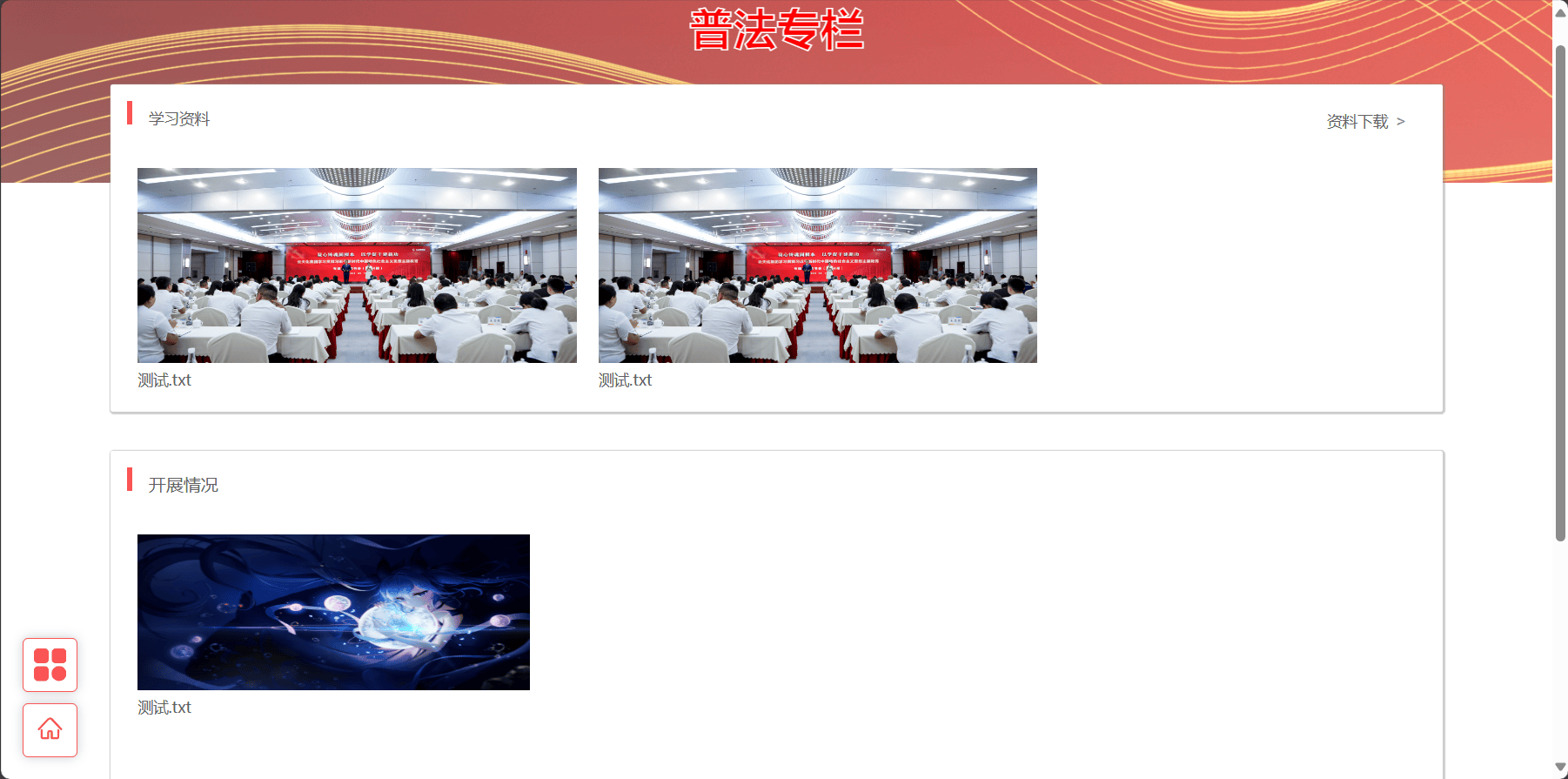
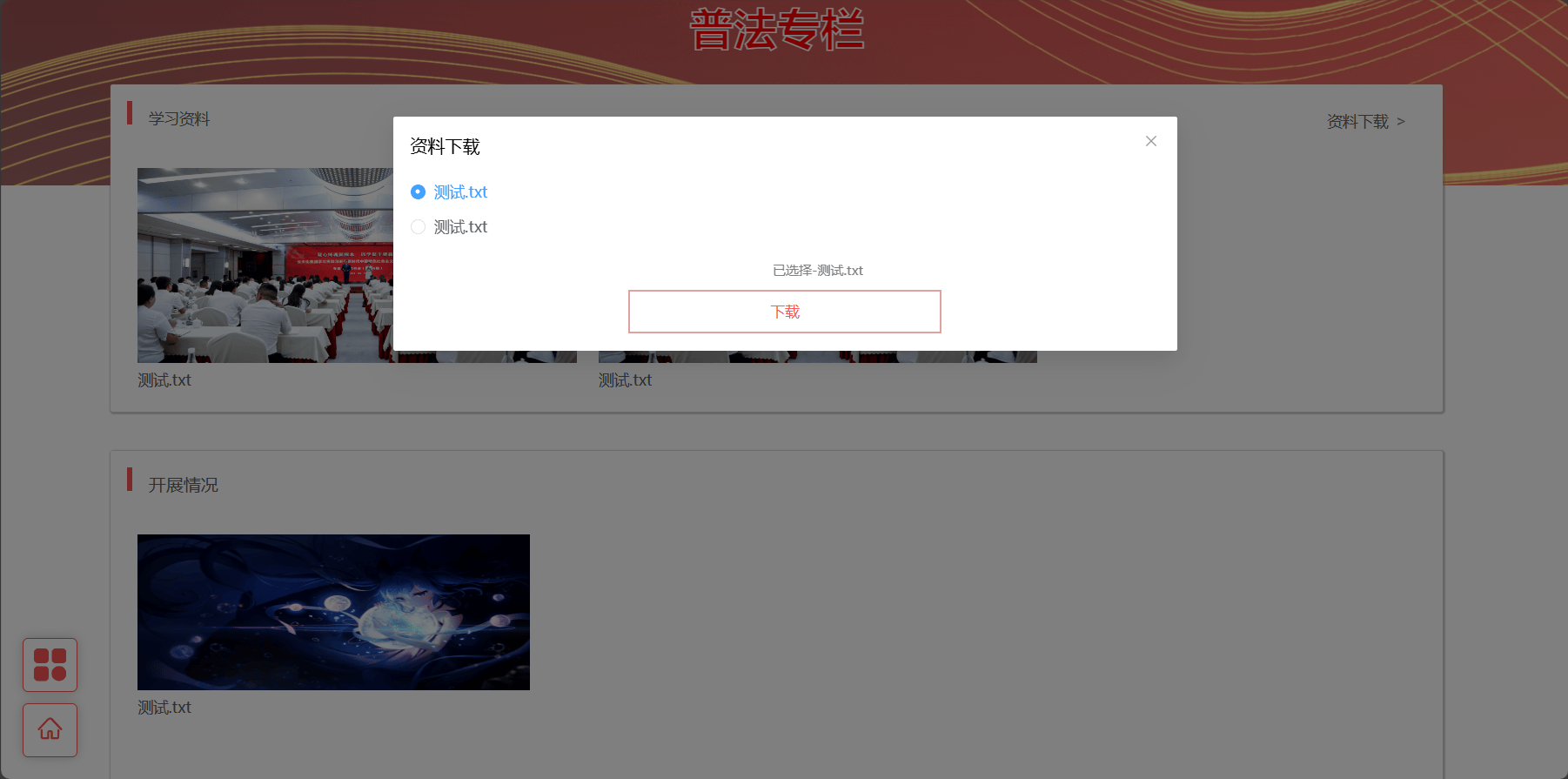
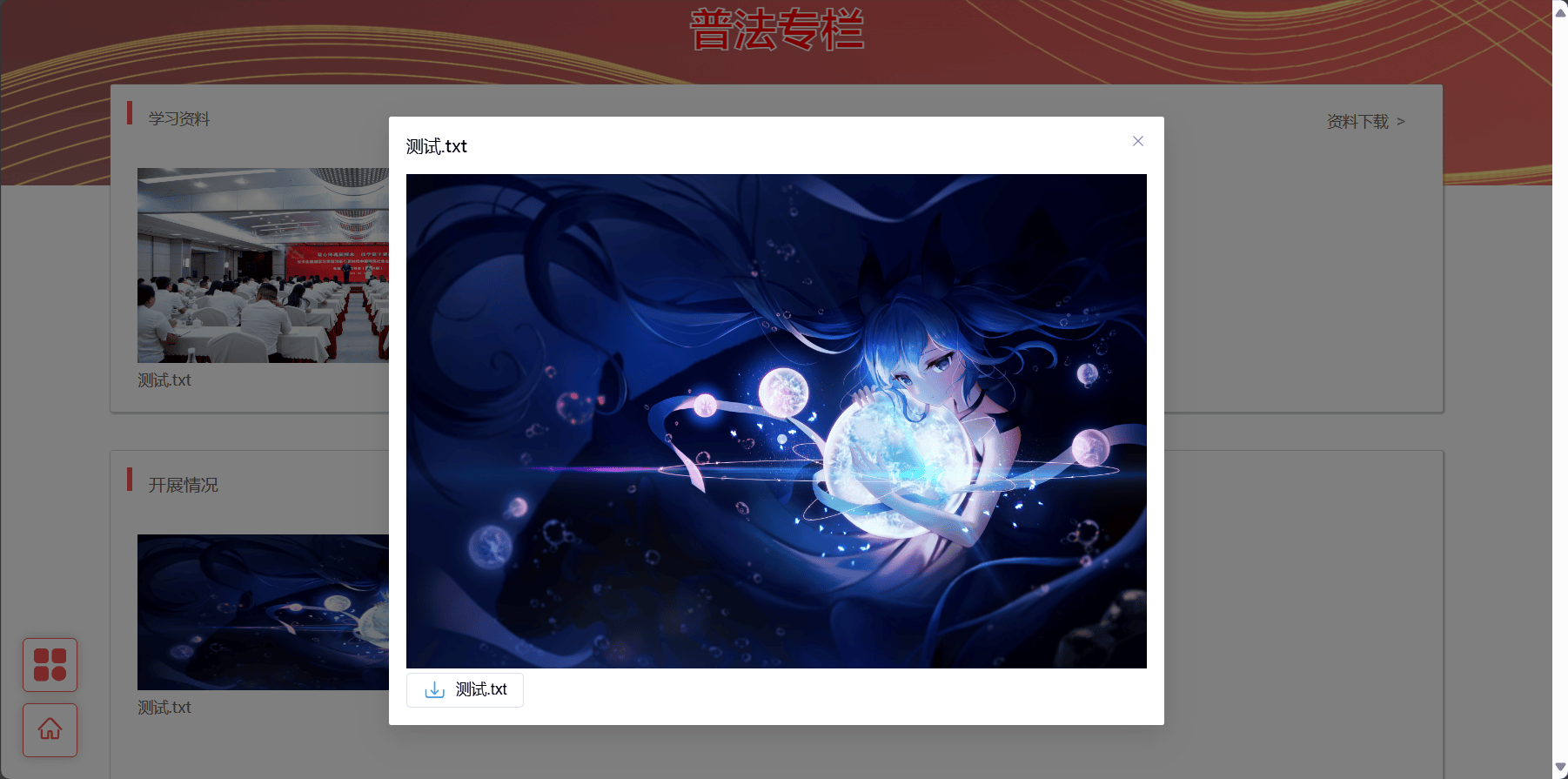
2、一些思路
2.1、首页自定义element-plus的走马灯
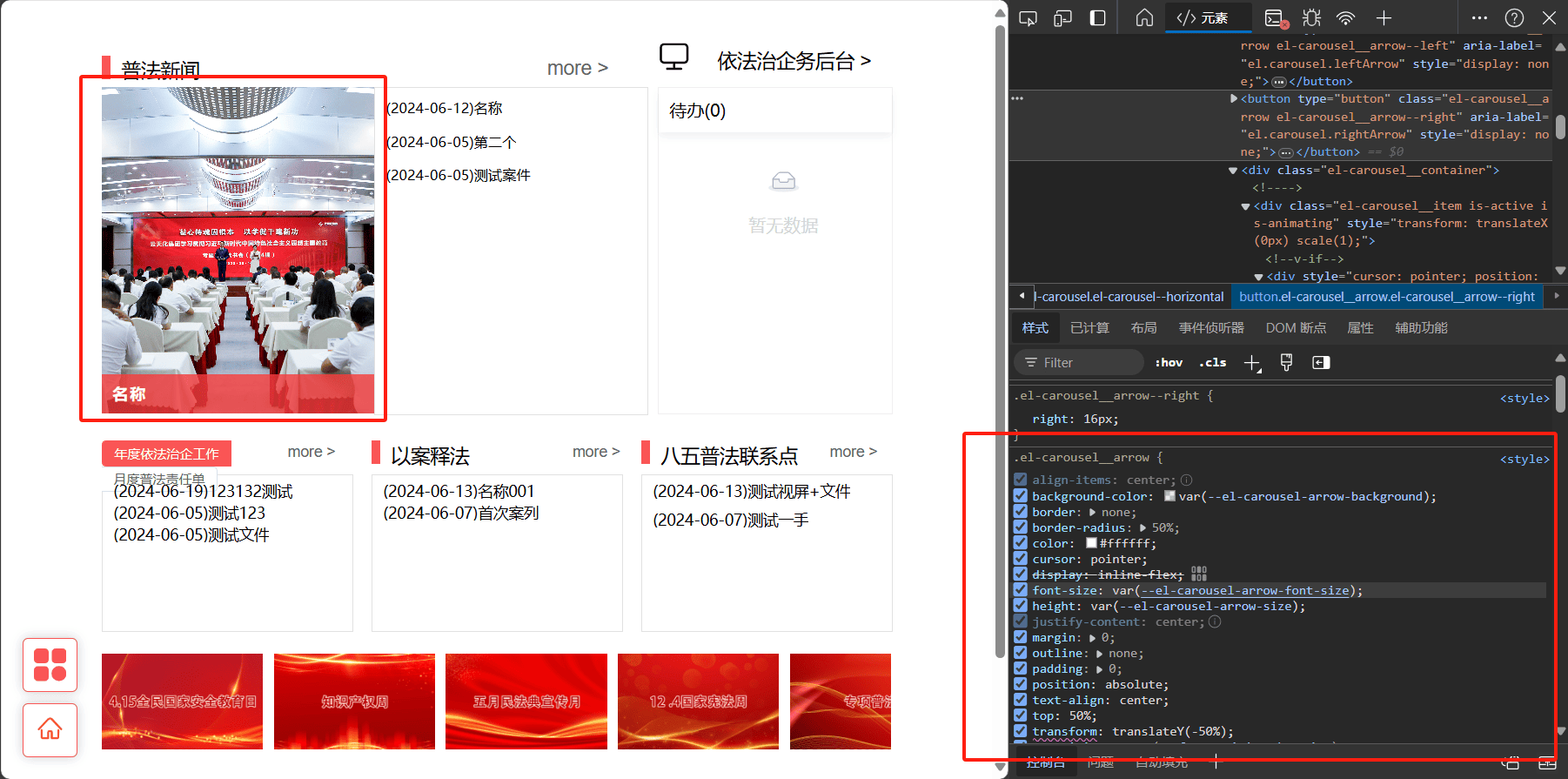
:deep(.el-carousel__arrow){
  border-radius: 0%;
  height: 10vh;
}
需要使用:deep(标签)才能修改样式
或者 ::v-deep 标签
2.2、整体设计思路
总体的就是全局按钮两个以及一个容器用于放主页面
2.3、vite解析路径
import { defineConfig } from 'vite'
import vue from '@vitejs/plugin-vue'
// https://vitejs.dev/config/
export default defineConfig({
  plugins: [vue()],
  base: './', // 打包的静态资源引用路径
  resolve: {
    alias: [
      {
        find: "@",
        replacement: "/src",
      },
    ],
  },
  server: {
    host: '0.0.0.0',
    port: 5173,
    proxy: {
      '/api': { // 配置需要代理的路径 --> 这里的意思是代理http://localhost:80/api/后的所有路由
        target: 'http://*********/gw/ypc835-szgc', // 目标地址 --> 服务器地址
        // target: 'http://localhost:8199', // 目标地址 --> 服务器地址
        changeOrigin: true, // 允许跨域
        // 重写路径 --> 作用与vue配置pathRewrite作用相同
        rewrite: (path) => path.replace(/^\/api/, "")
      },
      '/down':{
        target: 'http://********/formFileDown/file/downFile',
        changeOrigin: true,
        rewrite: (path) => path.replace(/^\/down/, "")
      }
      ,
      '/daiban':{
        target: 'http://**********/gw/flow-api/query/queryTask',
        changeOrigin: true,
        rewrite: (path) => path.replace(/^\/daiban/, "")
      }
    },
  },
})
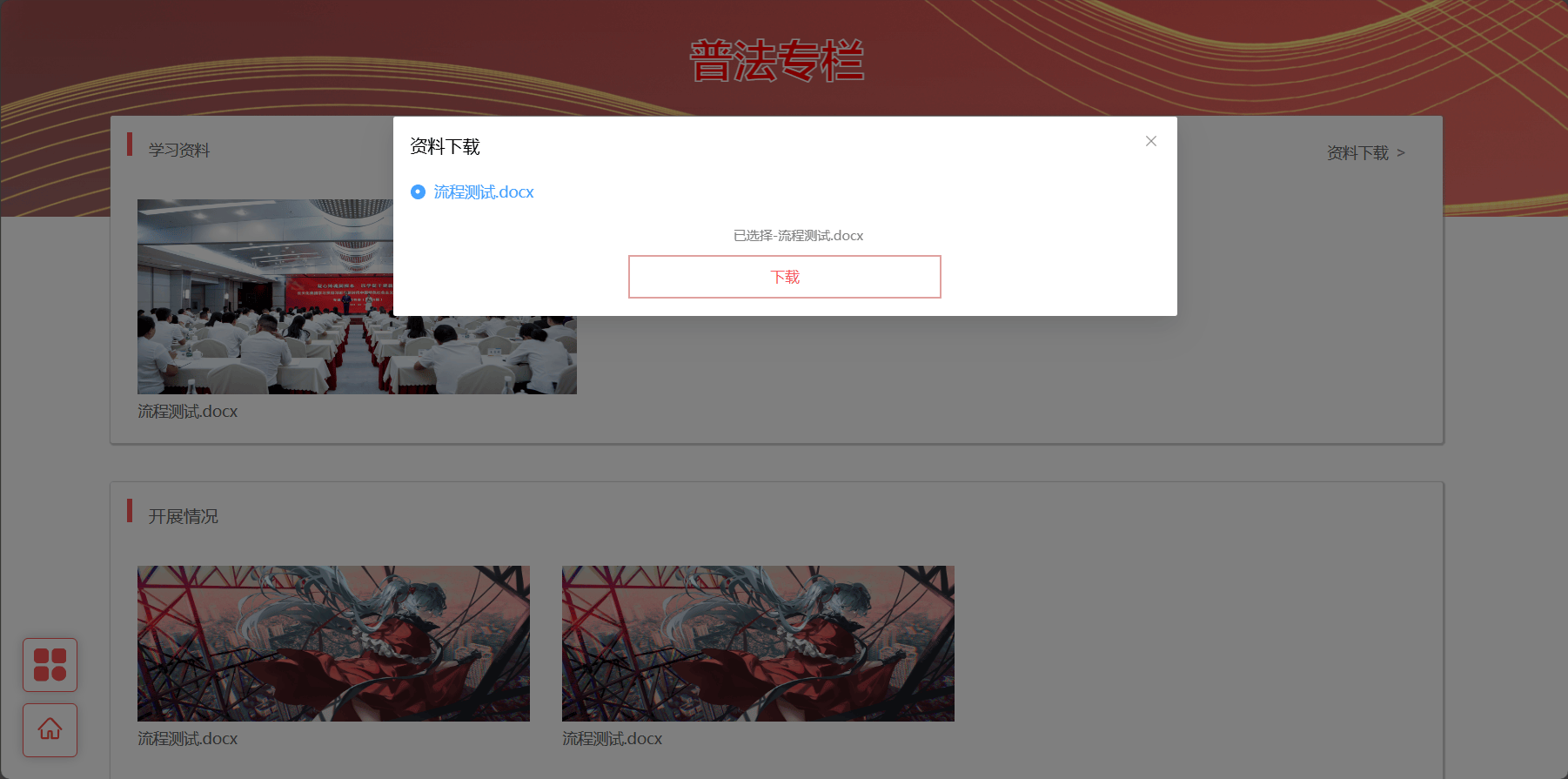
2.4、前端发起获取文件下载请求
const download = async (url: string, fileName: string) => {
  // 下载网络地址文件
  var a = document.createElement('a');
  a.href =url;
  a.download = fileName;
  document.body.appendChild(a);
  a.click();
  document.body.removeChild(a);
}
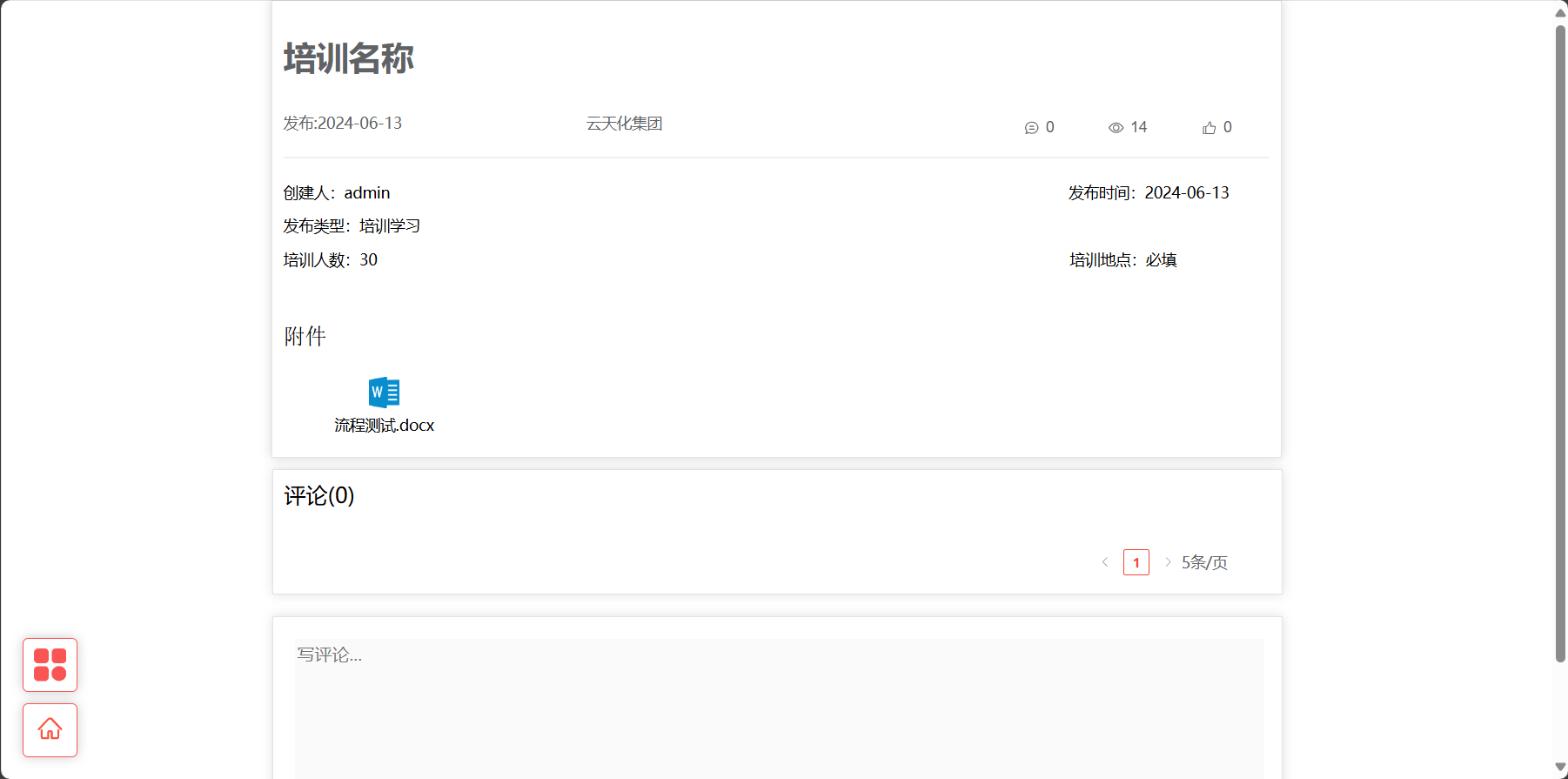
2.5、前端通过url获取文件名称
export function getFileNameFromContentDisposition(contentDisposition:any) {
    const fileNameMatch = contentDisposition.match(/filename\*?=(?:UTF-8'')?([^;\n]*)/i);
    if (fileNameMatch != null && fileNameMatch[1]) {
        let fileName = fileNameMatch[1];
        fileName = decodeURIComponent(fileName.replace(/\+/g, ' '));
        return fileName;
    }
    return null;
}
export async function analysisAddresses (url:string){
    const response = await fetch('/down/'+url)
    const contentDisposition = response.headers.get('Content-Disposition');
    const fileName:string = getFileNameFromContentDisposition(contentDisposition);
    return fileName;
}
这里/down做了代理所以需要吧这个替换成自己存放的地址
2.6、svg图片使用el-icon
进入阿里的图库iconfont-阿里巴巴矢量图标库
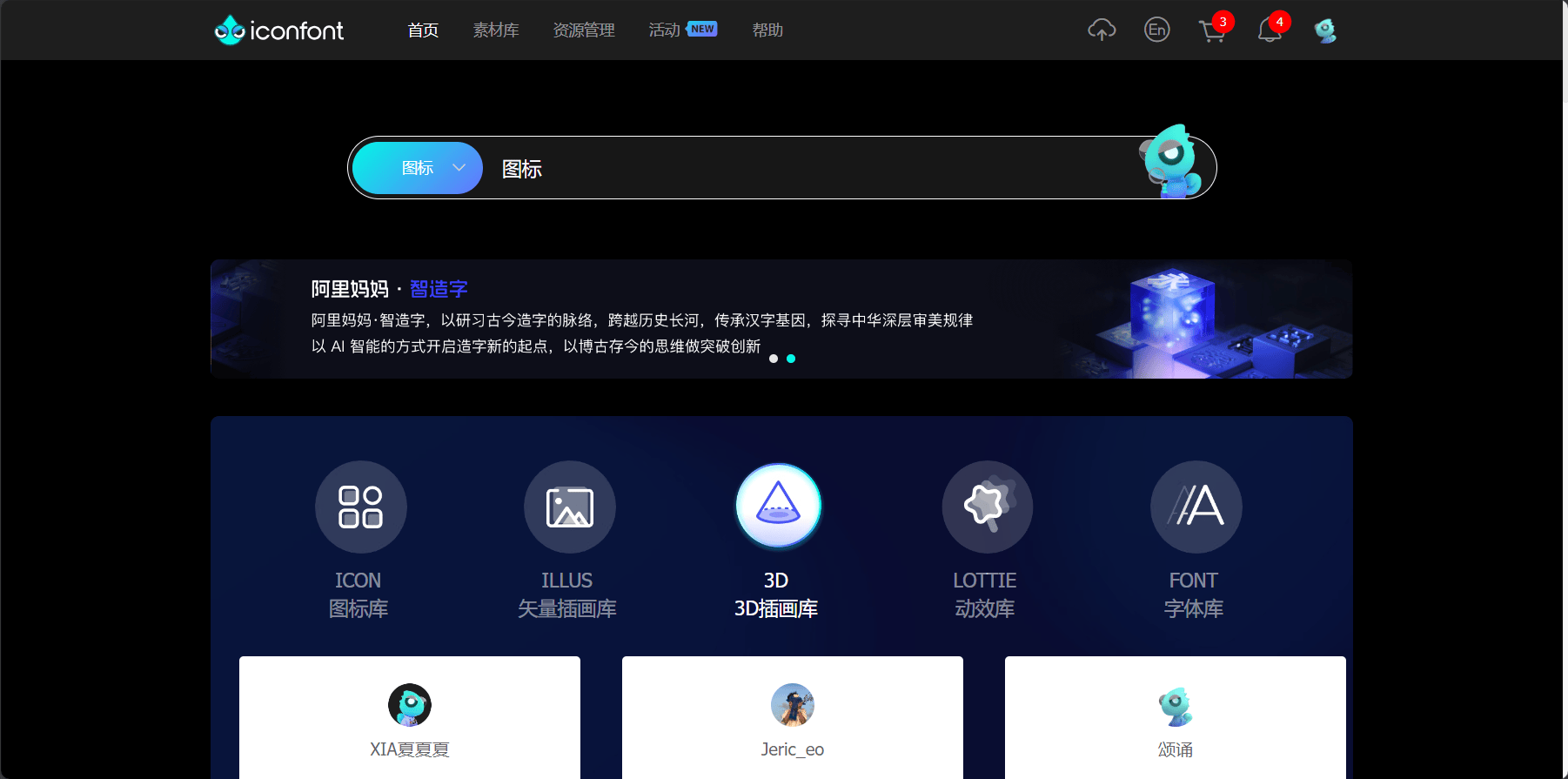
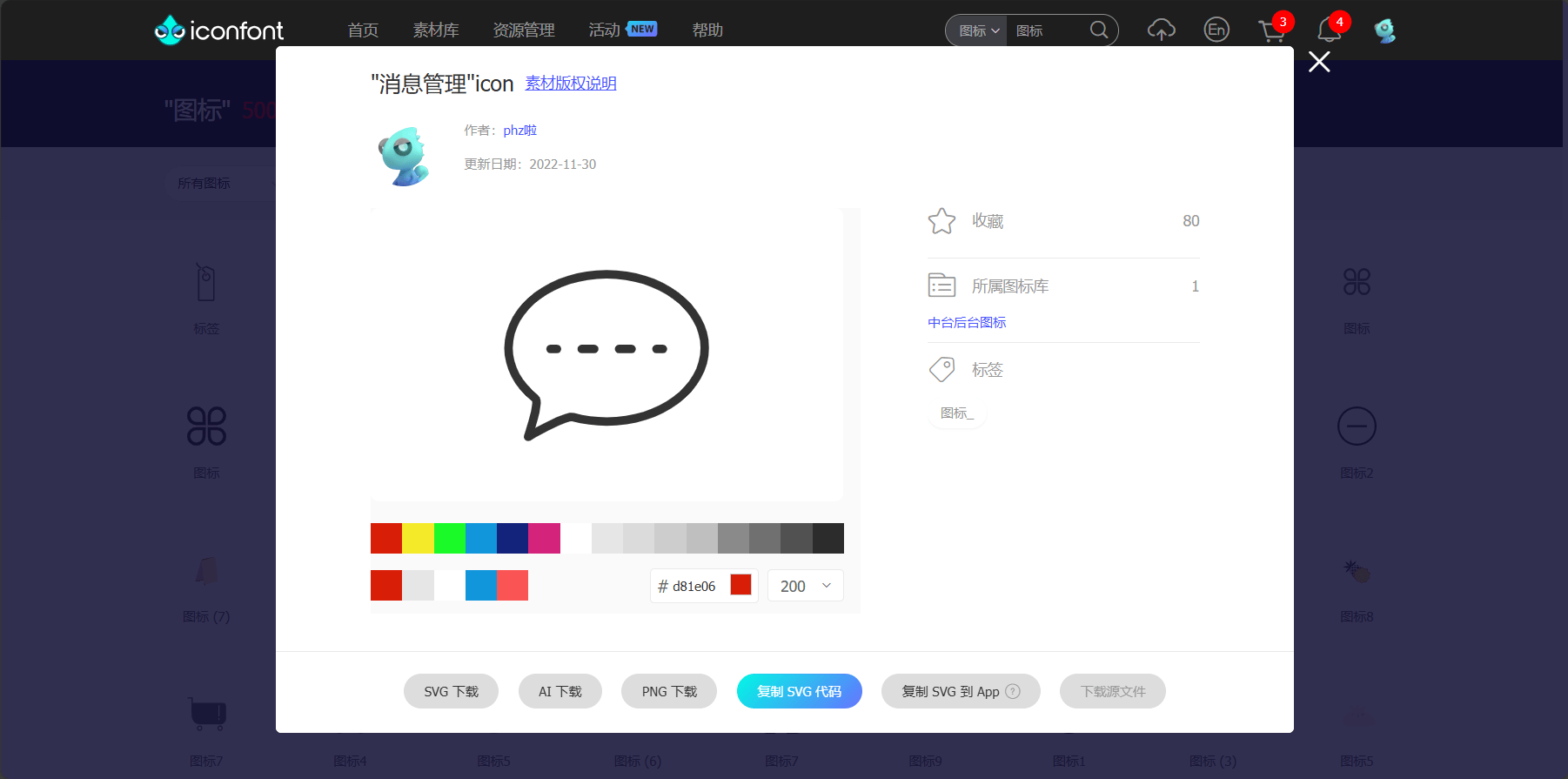
点击复制SVG代码然后在前端中使用
el-icon可以控制颜色(有些时候无效从网页那里选择颜色重新复制)大小
2.7、自定义html原版文本域(也可以拿element魔改)
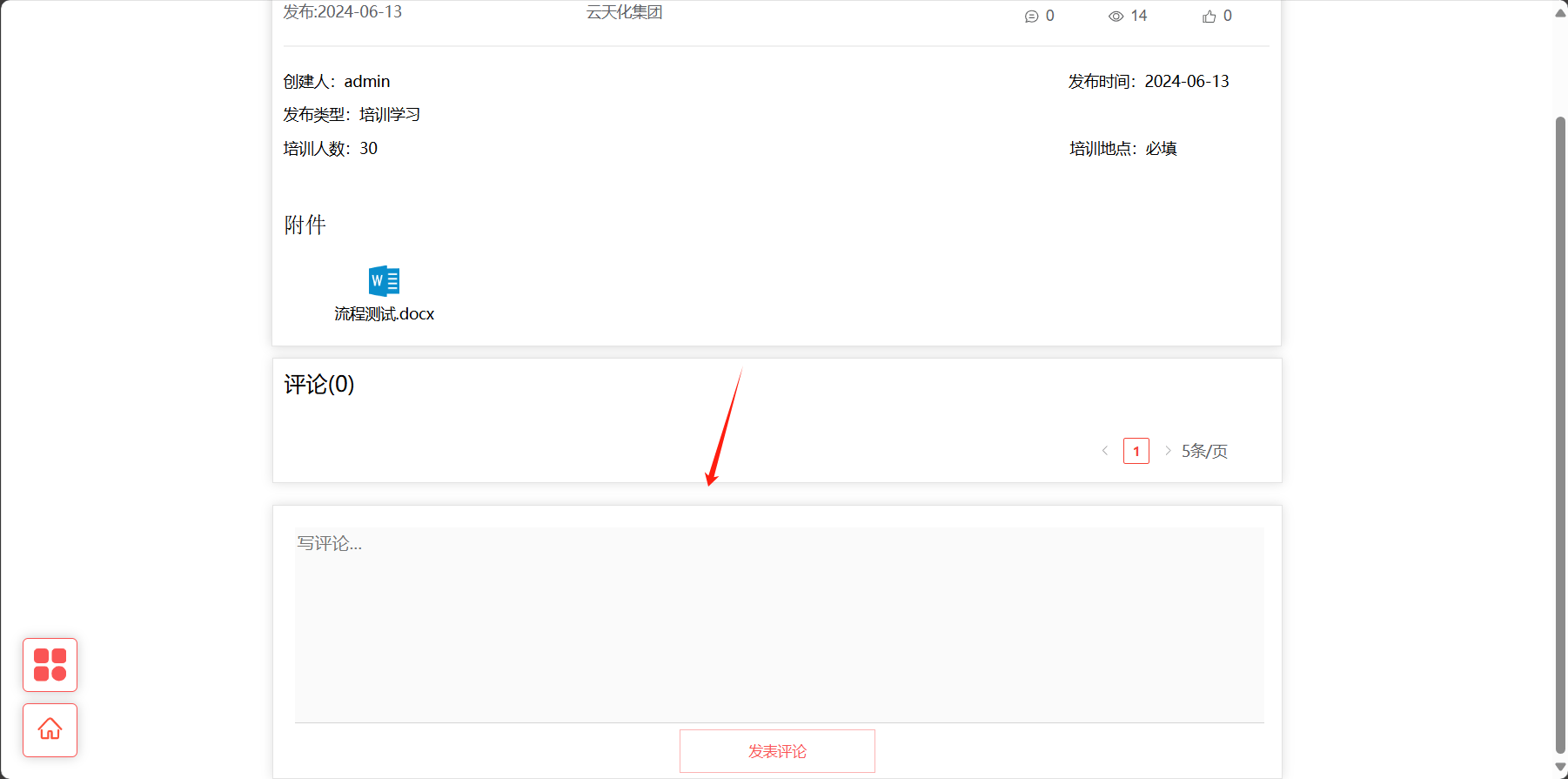
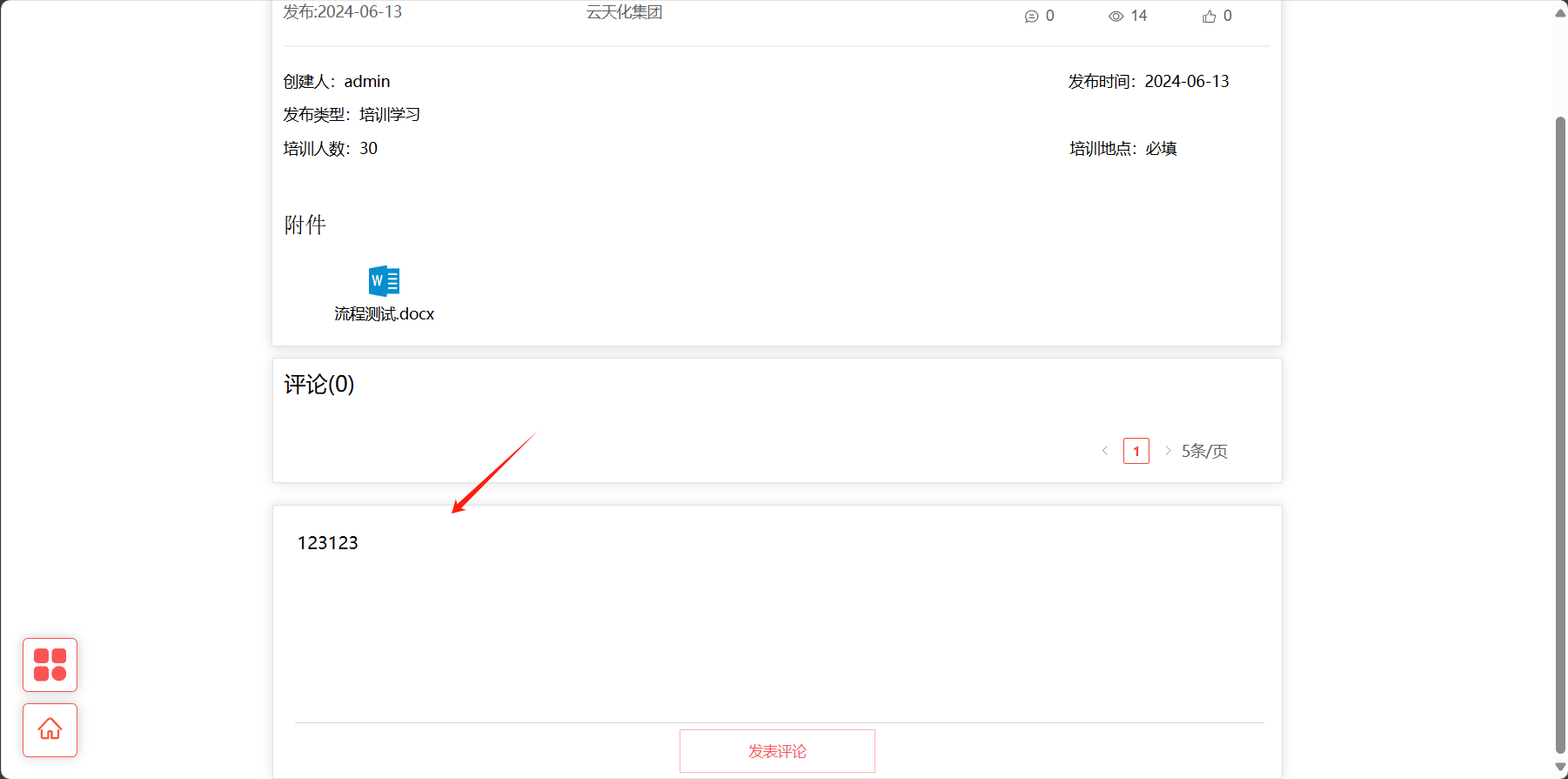
.CenterBottomOneWrap {
  background-position: center;
  background-size: 100% 100%;
  color: black;
  font-size: 16px;
  font-family: Source Han Sans CN;
  font-weight: 400;
  line-height: 25px;
  height: 100%;
  width: 100%;
  overflow-y:hidden;
  overflow: auto;
  word-break: break-all;
  outline:none;
  resize:none;
  border-top: none;
  border-left: none;
  border-right: none;
  border-bottom: rgba(197, 197, 197, 0.73) 1px solid;
  box-shadow: #888888 0 0 0px;
}
.CenterBottomOneWrap:placeholder-shown{
  color: rgb(195, 194, 194);
  background-color: #FAFAFA;
}
2.8、关于收藏,点击,评论不分表设计
-- img_admin.`test_table`
create table if not exists img_admin.`test_table`
(
`id` varchar(256) not null comment '用户名' primary key,
`type` tinyint not null comment '0是评论,1是收藏,2是点击',
`message` varchar(256) not null comment '评论内容',
`is_delete` tinyint default 1 not null comment '0删除,1启用',
`create_date` date default 'CURRENT_TIMESTAMP' not null comment '用户名'
) comment 'img_admin.`test_table`';
import lombok.Data;
/**
 * TestTable
 */
@Data
public class TestTable implements Serializable {
    private static final long serialVersionUID = 1L;
    /**
     * 用户名
     */
    private String id;
    /**
     * 0是评论,1是收藏,2是点击
     */
    private Integer type;
    /**
     * 评论内容
     */
    private String message;
    /**
     * 0删除,1启用
     */
    private Integer isDelete;
    /**
     * 用户名
     */
    private Date createDate;
}
/**
 * TestTable
 */
interface TestTable {
  // 用户名
  id: string;
  // 0是评论,1是收藏,2是点击
  type: number;
  // 评论内容
  message: string;
  // 0删除,1启用
  isDelete: number;
  // 用户名
  createDate: Date;
}
2.9、路由传递参数Vue3 query
router.push({path:"/FrenchPage/LegalColumn", query:{qClass:"普法专栏"}})
跳转过去的地址是
***********/FrenchPage/LegalColumn?qClass=普法专栏
使用路由接收参数
import {useRoute} from "vue-router";
const route = useRoute();
route.query.qClass
免责声明:我们致力于保护作者版权,注重分享,被刊用文章因无法核实真实出处,未能及时与作者取得联系,或有版权异议的,请联系管理员,我们会立即处理! 部分文章是来自自研大数据AI进行生成,内容摘自(百度百科,百度知道,头条百科,中国民法典,刑法,牛津词典,新华词典,汉语词典,国家院校,科普平台)等数据,内容仅供学习参考,不准确地方联系删除处理! 图片声明:本站部分配图来自人工智能系统AI生成,觅知网授权图片,PxHere摄影无版权图库和百度,360,搜狗等多加搜索引擎自动关键词搜索配图,如有侵权的图片,请第一时间联系我们,邮箱:ciyunidc@ciyunshuju.com。本站只作为美观性配图使用,无任何非法侵犯第三方意图,一切解释权归图片著作权方,本站不承担任何责任。如有恶意碰瓷者,必当奉陪到底严惩不贷!


